

Best Notion Budget Templates 2026: Free, Paid & Tested
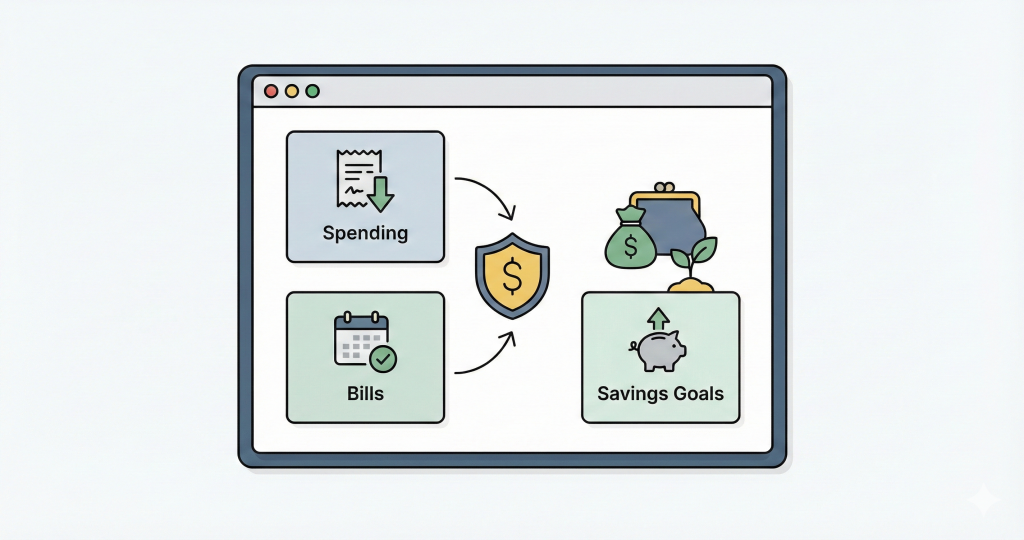
There are a lot of Notion budget templates out there. Most are either a single table with categories (not very useful after the first week) or a maze of connected databases that takes longer to set up than to actually use.
I went through the most popular ones to save you the trouble. Here's what's worth your time.
Short answer: for a free template that actually calculates progress, get the . If you want investments, multi-currency, and net worth tracked alongside your budget, ($29 one-time) is the only template here that does it.
Quick comparison
| Template | Price | Auto-calculations | Multi-currency | Investment tracking | Charts |
|---|---|---|---|---|---|
| Notion's Official Budget | Free | Basic | No | No | Notion charts |
| Simple Notion Budget | Free | Yes | No | No | No |
| Easlo Budget Tracker | ~$9 | Limited | No | No | No |
| PathPages Budget | ~$10 | Limited | No | No | No |
| Notionery Budget Planner | ~$15 | Limited | No | No | No |
| Thomas Frank's Ultimate | $39/year | Yes | No | No | Notion charts |
| Notion Finance Tracker | $29 (one-time) | Yes | Yes | Yes (real-time prices) | Yes (auto-generated) |
| DIY Budget (build your own) | Free | Manual setup | Manual | Manual | Manual |
1. Notion's official budget template
Free | Available in Notion's template gallery
The obvious starting point. Notion has a budget template in their gallery that gives you categories, a spending log, and basic sums. You can get it running in about two minutes.
That said, it's bare-bones. No account tracking, no formulas that auto-calculate progress, no multi-currency. It's fine for getting a feel for how Notion handles finances, but most people outgrow it within a month.
If you're on a paid Notion plan, you can add Notion's built-in charts. Free plan users hit limits there.
2. Simple Notion Budget Template
Free |
This is what I'd recommend if you want something free that actually calculates things for you. It's a two-database system: a Budget database with categories and targets, and a Transactions database linked to it. When you log a transaction, the budget progress updates on its own, weekly, monthly, and yearly.
The structure is simple enough to understand but useful enough to stick with. No account tracking or charts, and it only handles one currency. But as a free starting point with real automation, it's hard to beat.
Full walkthrough of how it works:
3. Easlo Budget Tracker
~$9 one-time
Easlo is one of the bigger Notion template shops, and their budget tracker reflects that. The dashboard looks polished out of the box, with a monthly overview, income and expense categories, and visual breakdowns.
For $9 you're mainly paying for the design and the saved setup time. The underlying formulas are still Notion-native, so you won't get anything you couldn't technically build yourself. But if you'd rather skip the setup and want something that looks good immediately, it's a reasonable buy.
No investment tracking, no multi-currency, no recurring transaction automation.
4. PathPages budget templates
~$10 one-time
PathPages sells several budget-focused templates. Their strength is aesthetics. If the look of your Notion workspace matters to you (and for some people it genuinely does help with consistency), these are well-designed.
Functionally they're similar to most paid templates in this price range: basic formulas, category breakdowns, monthly views. No investment or net worth features.
5. Notionery Budget Planner
~$15 one-time
A step up in price, but not necessarily in automation. Notionery's template has a nice monthly dashboard with income and expense breakdowns. The design is solid.
The catch: most values require manual entry. There's less formula-driven automation than the free Simple Budget Template above. You're paying for the visual layout and the fact that someone else already organized the databases. If that's worth $15 to you, it's a decent option. If you want things to calculate themselves, look elsewhere.
6. Thomas Frank's Ultimate Budget System
$39/year (subscription)
Thomas Frank has a massive Notion following, and his budget system comes with detailed video tutorials that walk you through everything. The template itself has thorough expense categorization and multiple views for slicing your data different ways.
Two things to consider: it's a subscription ($39/year, so it adds up), and it's fairly opinionated about structure. You use it Thomas Frank's way. That's a plus if you want guidance and a minus if you want flexibility.
No investment tracking, no multi-currency, no real-time price data.
7. Notion Finance Tracker
$29 one-time |
Full disclosure: this is my product. I'm including it because it's genuinely different from everything else on this list, but take my review with appropriate skepticism.
The short version: it's a full finance system, not just a budget template. Budgeting connects to accounts, which connect to investments, which feed into net worth. A custom API backend handles the things Notion can't do natively: real-time stock/crypto/ETF prices from 100+ exchanges, auto-generated charts, recurring transaction creation, and multi-currency conversion.
It's overkill if you just want to track grocery spending. But if you want your budget, investments, and net worth in one place inside Notion, nothing else here does that.
The main downside: no bank syncing. Every transaction is manual entry or scheduled via the Recurring database. Some people actually prefer this (forces you to pay attention), but if you want automatic imports, you need a dedicated app like YNAB or Monarch.
8. DIY: build your own
Free (just your time)
If you want to learn Notion databases properly, building a budget from scratch is a great exercise. You'll understand relations, rollups, and formulas in a way that copying a template never teaches you.
I've written guides for each piece:
- — database setup, views, and time-based formulas
- — two-database structure with auto progress
- — connecting accounts and calculating totals
- — recording trades and getting live prices
The tradeoff is real though. Building and maintaining your own system takes time, and formulas get messy fast once you add multi-currency or cross-database calculations. If you hit a wall, you can always switch to a template later.
How to choose
If you're not sure, start with the free . Use it for a month. If tracking spending is all you need, you're done.
If you outgrow it and want investment tracking, net worth, multi-currency, or charts, those features need a backend. Notion formulas alone can't pull stock prices or convert currencies. That's the gap fills.
And if you want bank syncing or automatic transaction imports, no Notion template can do that. Look at instead.
Before you pick a template: is Notion the right tool?
Worth asking before you go deep on any of these.
Notion works well for finances if you already live in Notion, you want to customize how things work, and you don't mind manual transaction entry. The one-time pricing on most templates is a nice bonus compared to $100+/year for dedicated apps.
But if bank syncing is important to you, or you want a mobile-first experience, or you prefer a guided methodology like YNAB's envelope system, a dedicated app will serve you better. There's no shame in using the right tool for the job.