


An expense tracker needs to do two things well: be fast to add transactions, and show you where your money went.
This guide shows how to build one in Notion that stays usable.
Short answer: for a free Notion expense tracker, you need a single database with four properties (Name, Date, Amount, Category) and three time-based formulas (This Week, This Month, This Year). You'll then create grouped views by category and date. If you'd rather skip the setup, the is free and pre-built; for a full system with accounts, multi-currency, and net worth, does it for $29 one-time.
The Expenses database
Create a database called Expenses with these properties:
| Property | Type | Purpose |
|---|---|---|
Name | Title | What you bought ("Groceries", "Netflix") |
Date | Date | When it happened |
Amount | Number | How much you spent |
Category | Select | What type of expense (Food, Transport, Entertainment, etc.) |
That's the minimum. Add these if useful:
| Property | Type | Purpose |
|---|---|---|
Payment Method | Select | Cash, Credit Card, Debit |
Receipt | Files | Photo of receipt if needed |
Notes | Text | Extra context |
Time-based formulas
Add formulas that flag whether a transaction falls within a time period:
This Week (formula):
year(prop("Date")) == year(now()) and
week(prop("Date")) == week(now())
This Month (formula):
year(prop("Date")) == year(now()) and
month(prop("Date")) == month(now())
This Year (formula):
year(prop("Date")) == year(now())
These return true/false. You'll use them for filtered views and totals.
Views that answer useful questions
Create these saved views:
| View | Filter | Group/Sort | Answers |
|---|---|---|---|
| This Month | This Month is checked | Sort by Date desc | What did I spend recently? |
| By Category | This Month is checked | Group by Category | Where is my money going? |
| This Week | This Week is checked | Sort by Date desc | Quick weekly check |
| All Time | None | Sort by Date desc | Full history |
The By Category view is the most useful - it shows spending totals per category so you can spot patterns.
Getting monthly/weekly totals
To see total spending for a period, use a formula in a separate "Summary" database, or just use Notion's built-in sum at the bottom of a filtered view.
If you want a summary database with one row per month, you can create formulas that filter your expenses:
sum(prop("Expenses").filter(current.prop("This Month")).map(current.prop("Amount")))
This sums all expenses where This Month is true.
Fast entry setup
The tracker is useless if adding expenses is slow. Optimize for speed:
- Default date to today - set in database template
- Use a select for Category - faster than typing
- Skip optional fields - add receipts/notes later if needed
Mobile shortcut:
- Create a page with just an inline Expenses view
- Filter to current month
- Add to phone home screen (iOS: Share → Add to Home Screen)
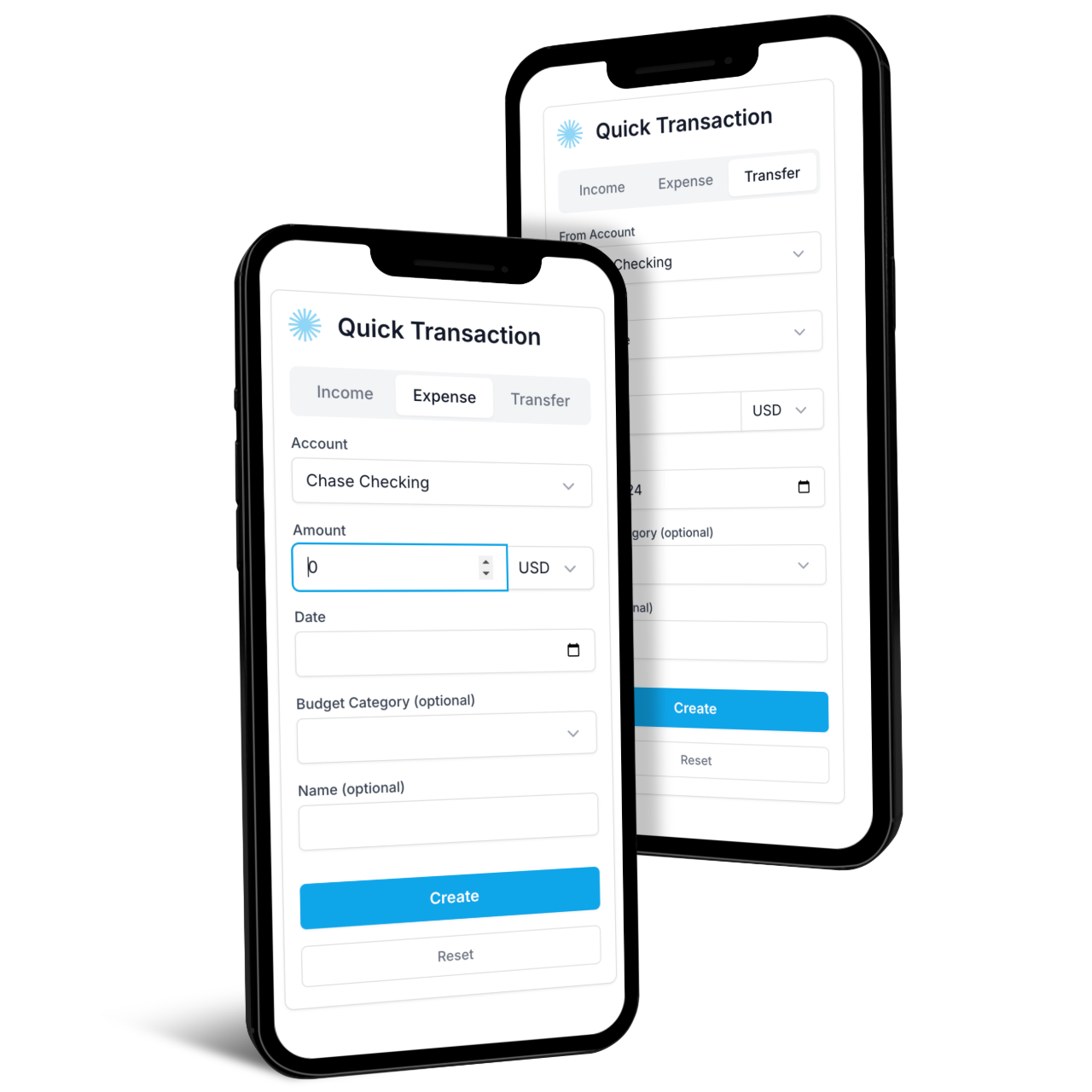
Now adding an expense is: open shortcut → tap + → type name, amount, category → done.
Connecting to a budget (optional)
If you want to track spending against targets, you need a second database. See for the full setup.
The short version:
- Create a
Budgetdatabase with categories and monthly targets - Change
Categoryin Expenses from Select to Relation (linking to Budget) - Add rollup formulas in Budget to sum linked expenses
This turns your expense tracker into a budget tracker with progress bars.
Recurring expenses
For subscriptions and bills that repeat:
- Create a database template with the recurring expense details
- Click the three dots on the template → "Repeat" → set frequency
Notion auto-creates the entry on schedule.
Recurring database that generates transactions automatically and links them to accounts and budgets.What Notion Finance Tracker adds
The setup above works for basic expense tracking. adds:
- Accounts - track where money comes from (checking, credit cards)
- Multi-currency - automatic conversion if you spend in different currencies
- - see how spending affects your overall position
- Charts - visual spending breakdown over time
Frequently asked questions
Is Notion good for expense tracking?
Yes, for people who want full control and don't mind manual entry. Notion handles categorization, totals, and time-based views well. What it doesn't do is bank syncing or automatic transaction import — every expense is added manually or via a recurring template. If you want bank syncing, a dedicated app like YNAB or Monarch will serve you better.
Is there a free Notion expense tracker template?
Yes. The is free and includes expenses connected to a budget. Notion's own template marketplace also has several free expense trackers, though most are basic compared to a custom build.
How do I add expenses fast on mobile?
Create a Notion page with just an inline Expenses view, filter to the current month, and add it to your phone's home screen as a web shortcut. New expense becomes: tap shortcut → tap + → type name, amount, category → done. About 10 seconds per entry.
Can Notion auto-calculate monthly or weekly totals?
Yes. Use the time-based formulas above (This Week, This Month, This Year) to flag transactions, then either sum at the bottom of a filtered view or build a Summary database with formula-driven monthly totals. The formula in the "Getting monthly/weekly totals" section above does the latter.
What's the difference between an expense tracker and a budget tracker?
An expense tracker records what you spent. A budget tracker compares spending against targets. The setup above is an expense tracker; to make it a budget tracker, change the Category property to a Relation linking to a Budget database with monthly targets, then add rollups. See for the full conversion.
Get started
Build it yourself: Follow the steps above. Start with the basic 4 properties, add more as needed.
Use a template: The has expenses and budgets ready to go.
Compare options: See our for free and paid alternatives.
Full system: connects expenses to accounts, budgets, investments, and net worth.